Share via Email
This article will guide you on how to view the quota information in New Outlook.
Are you running out of space? This guide shows you how to check your mailbox quota in the New Outlook desktop application.
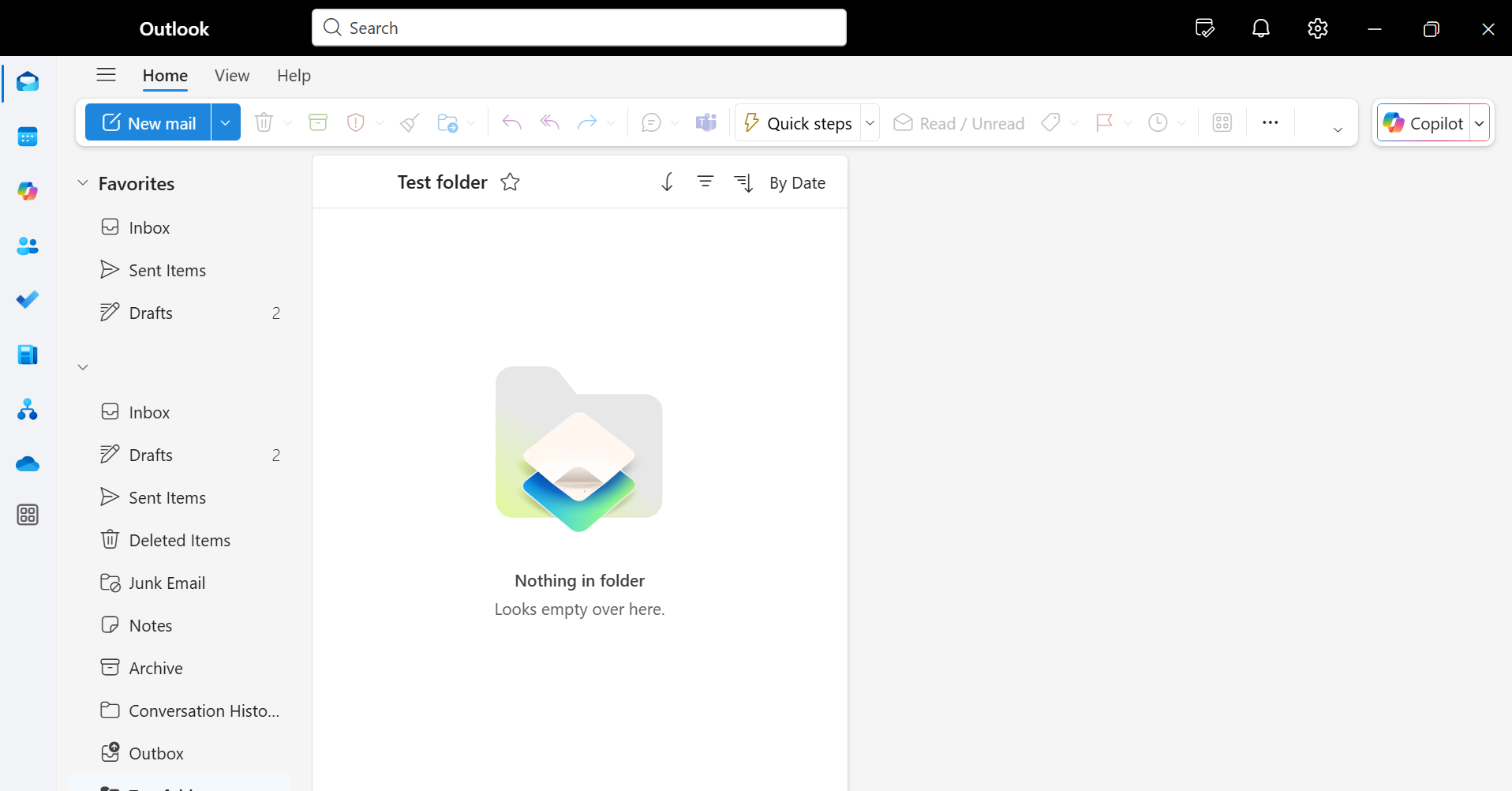
- Open your Outlook New
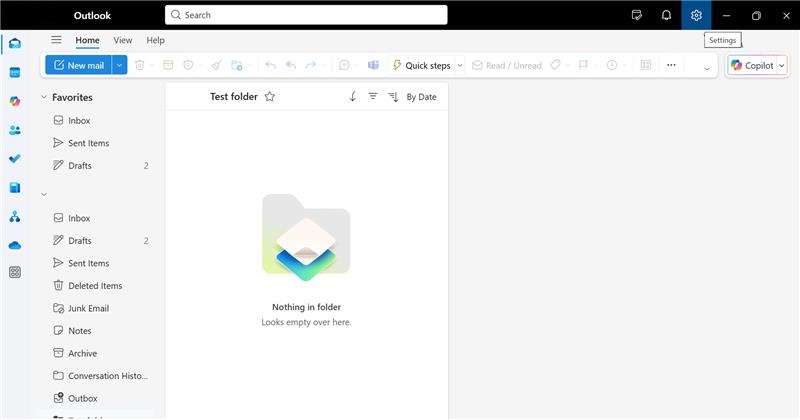
2. In the upper right corner of your screen, click the cog icon to access your Settings
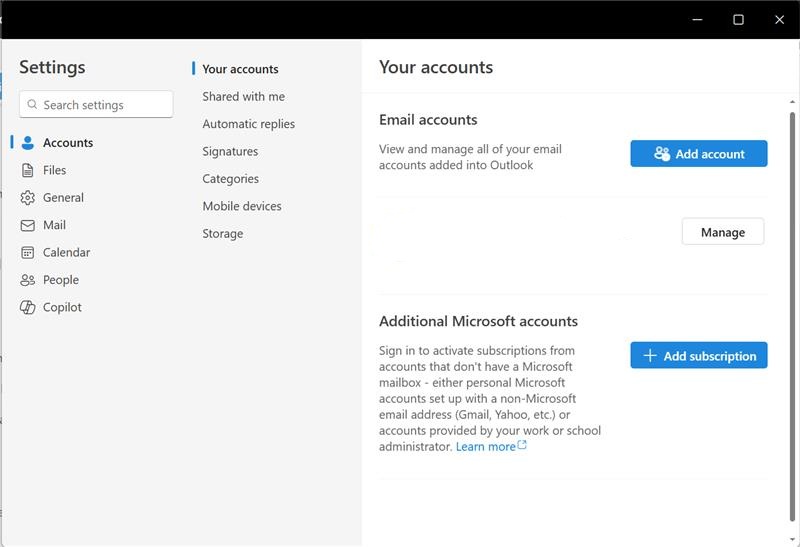
3. The settings page will appear. Then select Storage
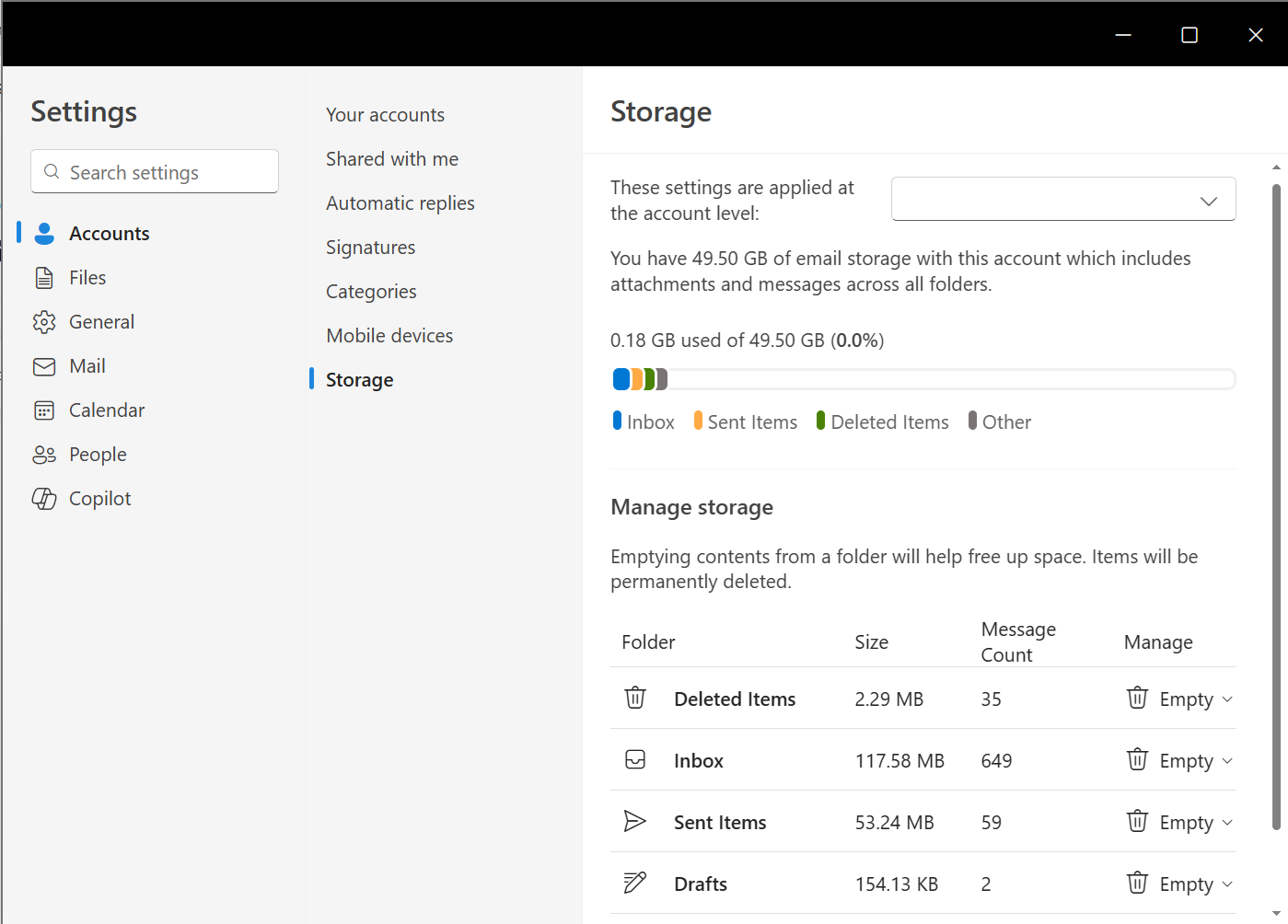
4. Under Storage, you'll see the size of every folder in your account