Share via Email
If you have received an offer to sign-up to Junara, this guide will provide the steps on how to complete this process.
Note, we are not able to offer new email accounts at this time, only customers that have received an offer to sign-up from their existing service provider's will be able to complete this process.
- Visit your existing service providers email transfer support page for more information
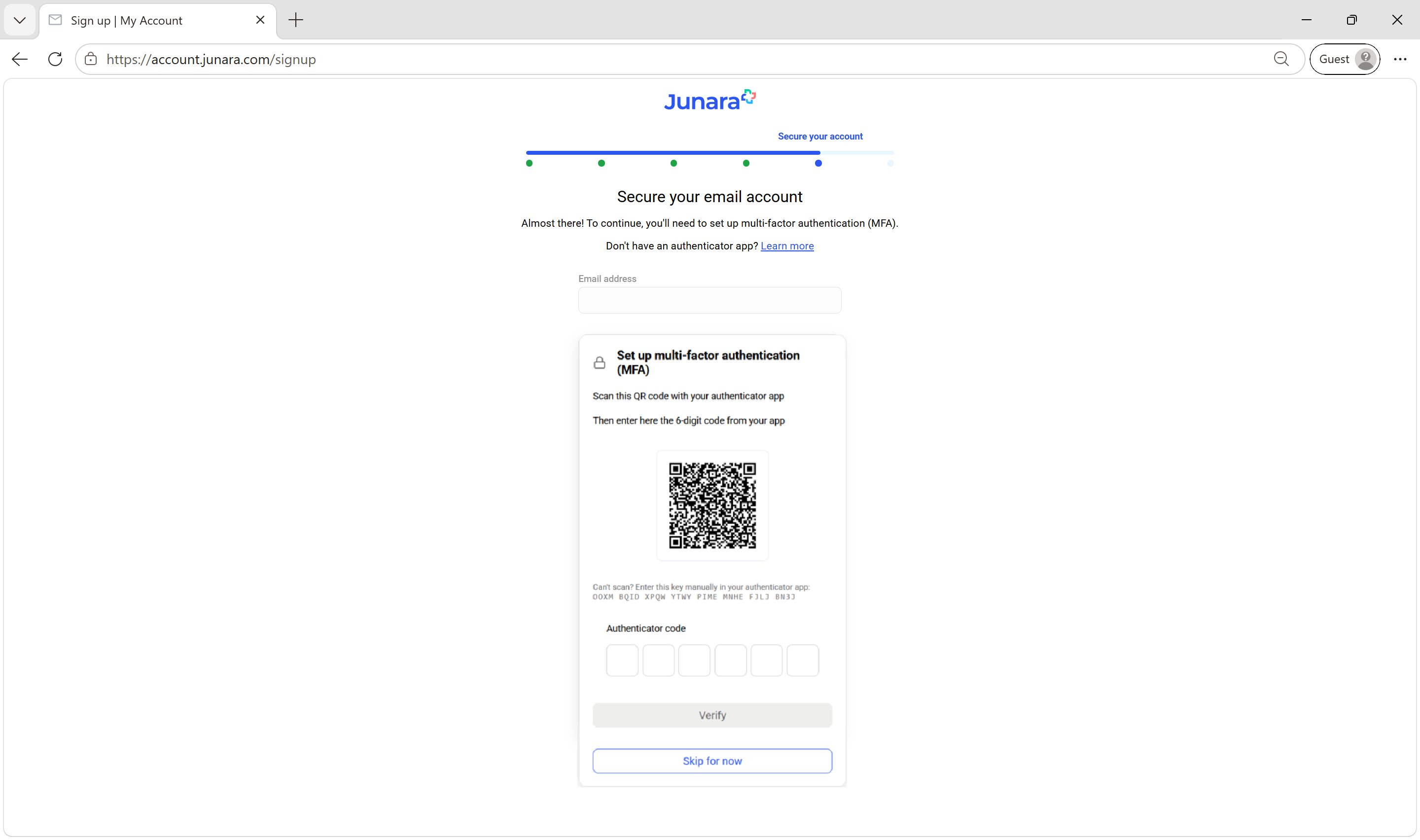
- To start the sign-up process visit: https://account.junara.com/signup
- Enter your email address and password, then select SIGN IN
- Read and acknowledge the items shown, then select NEXT
- Enter your information, then select NEXT
- If you provided a mobile phone number at the previous step, you will be prompted to enter an SMS Code. Check your phone for a text message, enter the code on this screen, then select NEXT
- You may be provided with an option to pay now or exit and pay later. We recommended selecting SELECT PLAN AND PAY NOW to continue with your sign-up
- Select PAY MONTHLY or PAY YEARLY, then press SELECT
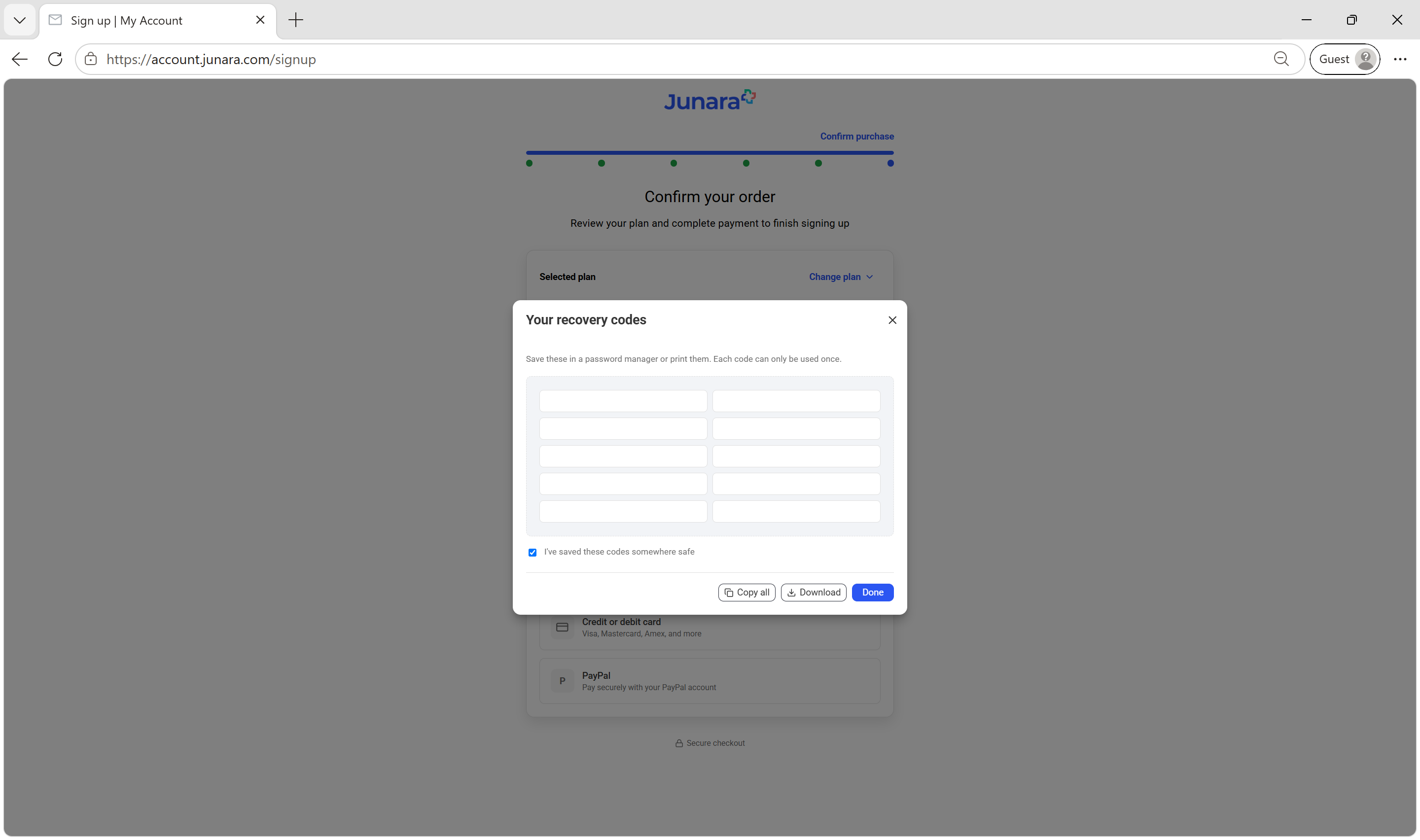
- Enter your preferred payment method and billing information, then select PAY NOW (or PayPal if you selected PayPal as your payment method)
- If you see a Payment successful message, the sign-up process has been completed! A paid invoice will be emailed to you once your payment has been processed. To learn more about managing your account, select GO TO MY ACCOUNT
- Here you can manage your payment methods. Next, select MANAGE or select Subscriptions from the left-side menu
Here is where you can see your Future subscription, your future subscription starts on the date indicated. As you are signing up for the first time you can ignore the Current subscription, this is only a placeholder until your paid subscription starts.
Tip!
If you were offered a discounted subscription upon sign-up, don't worry you will only be charged the discounted price as per the details of your offer. The Future subscription shown on this page, shows the full price, not the discounted price. Please refer the information provided by your current service provider regarding any discounts.If required, this page is where you will be able to upgrade or downgrade your plan once your subscription starts you can return here by visiting https:\\account.junara.com